Locked Doors, Open Networks: A Room-by-Room Security Audit of Your Smart Home
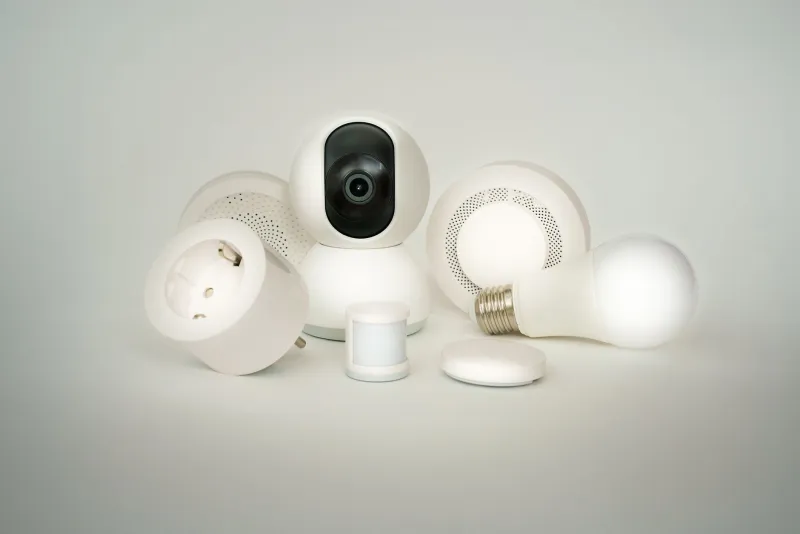
The modern American home is, in security terms, a network operations center that nobody asked to run. A typical household in 2025 connects smart speakers, streaming sticks, video doorbells, thermostats, baby monitors, robot vacuums, smart locks, and a dozen other devices to a single residential Wi-Fi network — often without changing a single default setting from the factory configuration. Each of those devices represents a potential entry point for an attacker, a data collection endpoint for a manufacturer, or both.
The risks are not theoretical. Researchers have demonstrated the ability to pivot from a compromised smart thermostat to a laptop on the same network. The FBI's Internet Crime Complaint Center has documented cases in which unsecured home cameras were accessed by strangers and used to surveil families in their own bedrooms. And a 2023 study by consumer-advocacy organization Mozilla found that the majority of popular smart-home products collected far more personal data than their privacy policies disclosed in plain language.
This room-by-room audit is designed to help you understand what you have, what it is doing, and what you can do about it.
Start at the Foundation: Your Router
Every connected device in your home funnels its traffic through your router. Compromising the router means compromising everything behind it, which makes it the single most important device to harden before addressing anything else.
Change the default administrator credentials immediately. A staggering proportion of residential routers are still accessible via their factory-set usernames and passwords — credentials that are publicly documented in manufacturer support manuals and catalogued on sites used by threat actors. Set a strong, unique administrator password that you do not use anywhere else.
Update the firmware. Router manufacturers release security patches that most users never install. Log into your router's admin panel (typically accessible at 192.168.1.1 or 192.168.0.1 from a browser on your local network) and check for firmware updates. Enable automatic updates if the option is available.
Create a dedicated IoT network. Most modern routers support multiple SSIDs — essentially multiple named Wi-Fi networks operating from the same hardware. Isolate your smart-home devices onto a separate network segment from your computers, phones, and tablets. This practice, known as network segmentation, ensures that if an attacker compromises your smart refrigerator, they cannot directly reach your laptop.
Disable remote management. Unless you have a specific and documented need to access your router's admin panel from outside your home, this feature should be turned off.
The Living Room
The living room is typically home to the densest concentration of smart devices: streaming players, smart TVs, voice assistants, and gaming consoles.
Smart TVs are among the most prolific data collectors in the consumer electronics space. A feature called Automatic Content Recognition, or ACR, monitors what you watch — including content from external HDMI sources like Blu-ray players — and transmits that data to the manufacturer and advertising partners. On Samsung TVs, ACR can be disabled under Settings > Support > Terms & Privacy > Viewing Information Services. On LG sets, look for ThinQ AI settings. On Vizio, navigate to System > Reset & Admin > Viewing Data. Consult your model's support documentation for precise navigation paths.
Voice assistants — Amazon Echo, Google Nest, Apple HomePod — maintain audio buffers and, in some configurations, retain recordings of interactions. Review your voice history in the companion app and enable automatic deletion on the shortest available schedule. Consider physically muting the microphone when the device is not in active use.
The Kitchen and Common Areas
Internet-connected kitchen appliances are increasingly common in new construction and renovation projects. Smart refrigerators, ovens, and dishwashers often collect usage patterns and, in some cases, maintain always-on network connections to manufacturer servers for diagnostic telemetry.
For these devices, the primary action is to review the companion app's privacy settings and opt out of data-sharing programs wherever the option exists. Check whether the device's firmware is current and register the product with the manufacturer to receive security-update notifications.
Smart doorbells and exterior cameras deserve particular attention. Products from Ring and Nest have faced scrutiny over data-sharing arrangements with law enforcement and third-party advertisers. Enable two-factor authentication on all associated accounts, review which third-party services have been granted access in the app's privacy dashboard, and consider whether cloud storage of footage is necessary or whether local storage is preferable.
The Bedroom
The bedroom is where the stakes of a security failure are highest. Smart speakers, baby monitors, and connected sleep-tracking devices all operate in a space where the expectation of privacy is greatest.
Baby monitors running on older wireless protocols — particularly those that lack encrypted transmission — can be intercepted with inexpensive radio equipment. If your monitor is more than three or four years old, research whether the manufacturer has released a firmware update addressing encryption. If not, consider replacing it with a model that supports WPA3 or end-to-end encrypted video transmission.
Smart locks should use two-factor authentication on the associated account and should have auto-lock enabled. Audit which users have been granted digital access codes and revoke any that are no longer current — former housekeepers, contractors, or ex-partners whose access was never formally removed.
The Home Office
Smart plugs and power strips with Wi-Fi connectivity are often overlooked in security audits, yet they run embedded operating systems that can contain vulnerabilities. Change their default credentials, keep their firmware updated, and place them on the IoT network segment rather than your primary network.
Printers are a classic blind spot. Modern network printers run web servers, store copies of recently printed documents in onboard memory, and often sit on the same network segment as sensitive computers. Change the default admin password, disable any remote-print features you do not use, and check the manufacturer's support page for firmware updates.
Ongoing Maintenance: What to Do Every Six Months
A one-time audit provides a snapshot, not a permanent state of security. Smart-home security requires periodic reassessment as devices are added, firmware updates are released, and manufacturers revise their data-sharing practices.
Every six months, run a network scan using a free tool such as Fing or the router's own connected-devices panel to inventory everything on your network. Remove or factory-reset any device you no longer use. Re-audit privacy settings in companion apps after major software updates, which frequently reset user preferences to manufacturer defaults. And revisit the privacy policies of your highest-risk devices — particularly those with microphones or cameras — when those policies are revised.
The connected home offers genuine convenience. But convenience and complacency are not the same thing, and in the current threat environment, treating your home network as a trusted space is a risk few households can afford to take.